
Which tool subscriptions are still worth keeping?
Try a guide
Write down each tool’s job and renewal date. You’ll have a clearer place to start.
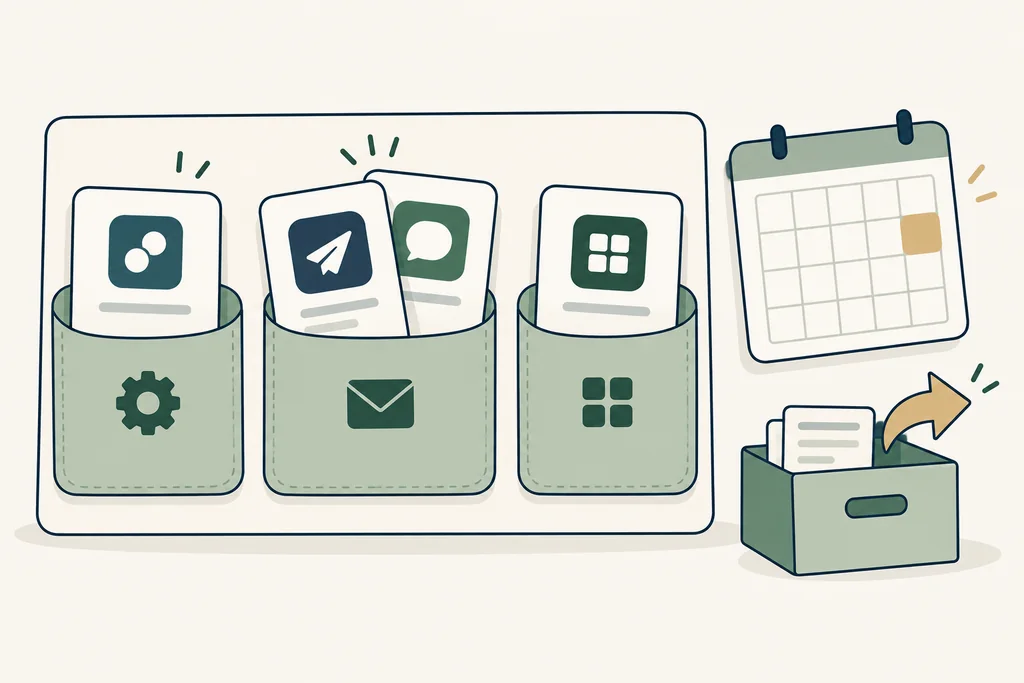
Start with the next renewal
Gather the invoices, renewal dates, notice periods, actual usage and ways to export your data. Mark overlap only when two tools do the same job you need. ‘Consider cancelling’ is a note, not an instruction to cancel: check remaining commitments and try your replacement first.
What this means for you
A tool earns its place by doing a job you still need. Check the contract and your fallback before cancelling.
- 1Name the task
- 2Try one workflow
- 3Add up the cost
- 4Check again before renewal
What to write down when you try it
- Your plan and its current limits: check the official documentation.
- How long setup, troubleshooting and monthly upkeep take.
- What works, what fails, and how you get it running again.
- The renewal date, how to export your data, and how to cancel.
If your process keeps changing, you can’t estimate usage, or no one can look after the setup, pause before subscribing. Keep a manual way to do the job while you try a tool.
Your subscription worksheet
Use monthly amounts in one currency. Entries stay in this page, disappear when you reload, and aren’t submitted or saved by the site.
Check the sources
Your invoices, usage records and the provider’s plan documentation.
Before you pay
Check today’s limits, the renewal price and how to export your data. These links go straight to the providers; the site currently has no affiliate links.