
Make or Zapier? Start with the same task.
Compare tools
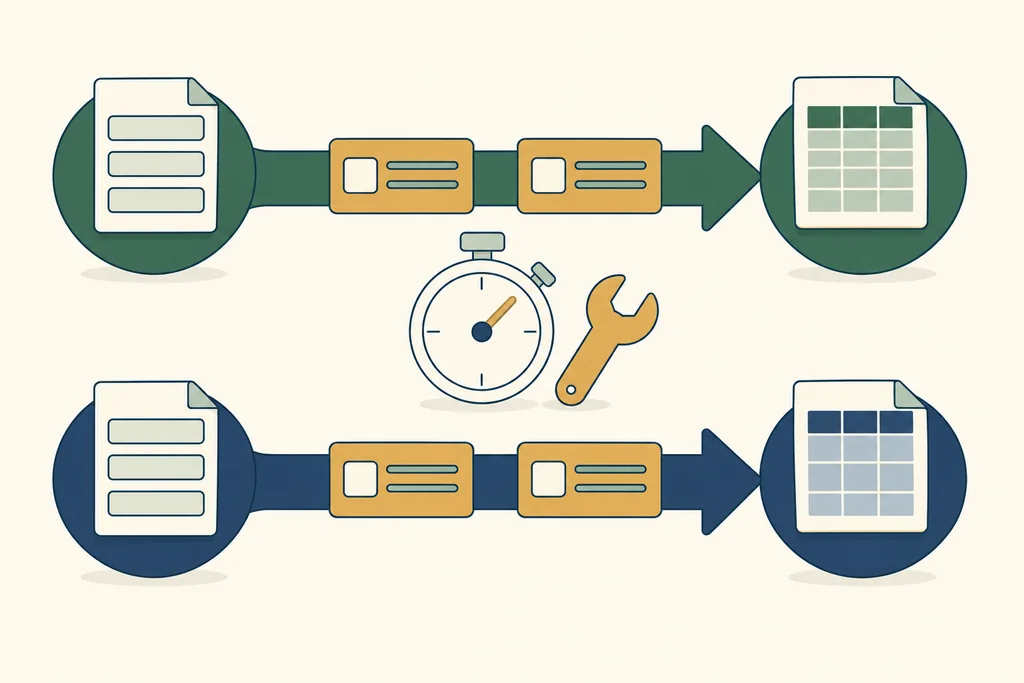
Give both tools the same input and expected result. That’s a better starting point than counting features.
Here’s what the official plans say
Make’s free plan has 1,000 credits a month and two active scenarios. Zapier’s free plan has 100 tasks a month and two-step Zaps. Both cost US$0. Credits and tasks are different billing units, so the larger number doesn’t tell you which is better value.
| Free plan | Make | Zapier |
|---|---|---|
| Price / usage | US$0 · 1,000 credits/month | US$0 · 100 tasks/month |
| Workflow limits | 2 active scenarios | Two-step Zaps |
Try the same input and output
For a form-to-spreadsheet task, check the exact connector and trigger first. Adding a follow-up notification may change the plan you need. Include errors and retries, and only record setup time after doing the test. We still need our own records for setup, recovery effort and Chinese display; there’s no winner or score here.
What this means for you
Compare your actual workload, then the total price. We haven’t ranked either product.
- 1Name the task
- 2Try one workflow
- 3Add up the cost
- 4Check again before renewal
What to write down when you try it
- Your plan and its current limits: check the official documentation.
- How long setup, troubleshooting and monthly upkeep take.
- What works, what fails, and how you get it running again.
- The renewal date, how to export your data, and how to cancel.
If your process keeps changing, you can’t estimate usage, or no one can look after the setup, pause before subscribing. Keep a manual way to do the job while you try a tool.
Check the sources
Plans / products · Plans / products
Before you pay
Check today’s limits, the renewal price and how to export your data. These links go straight to the providers; the site currently has no affiliate links.