
NordVPN on a mobile hotspot: what is protected and why games disconnect
NordVPN and mobile-hotspot gaming | Official sources checked 14 October 2026
Your phone says NordVPN is connected. The laptop has joined its hotspot. Does that mean the game on the laptop is protected too? That small assumption can send the whole troubleshooting session in the wrong direction. Start by naming the device that provides internet and the device that actually runs the game. Then work out which of them has a verified VPN route.
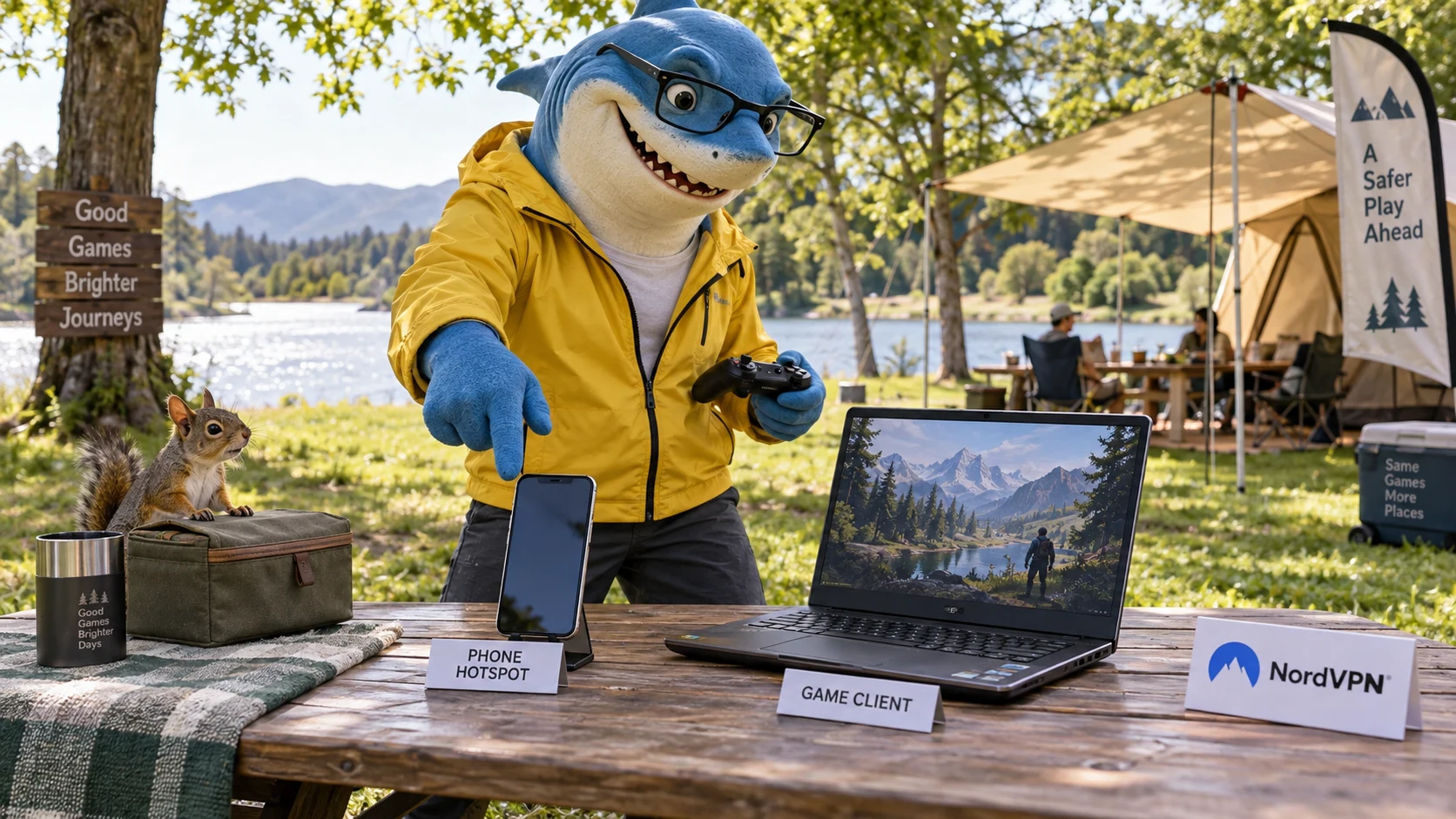
Draw the connection before opening another setting
For ordinary phone tethering, the phone supplies cellular internet and the laptop or console joins the local hotspot. Apple’s iPhone guide says Personal Hotspot uses cellular data; it does not turn the iPhone’s connected Wi-Fi network into that hotspot’s upstream. Android’s help also tells you to check your carrier’s tethering conditions.
A different arrangement is a Windows computer that shares a configured VPN connection through its own hotspot. NordVPN has a specific Windows procedure for that arrangement. Do not borrow its adapter instructions for an iPhone just because both settings contain the word hotspot. Write the provider, client and actual internet source before troubleshooting.
Official reference: Official reference 1 · Official reference 2 · Official reference 3
The phone’s VPN indicator does not settle the laptop question
A connected VPN on the phone establishes the phone app’s state. It does not, by itself, verify the route of a laptop or console attached to its hotspot. Tethered traffic and the phone’s own app traffic need not follow the same path. Do not call a downstream device protected merely because the upstream phone has an icon.
On a supported laptop, use the current NordVPN app on that laptop and confirm its intended route. If an authorized console or another device needs shared coverage, use a supported sharing method and verify the client rather than assuming inheritance. A browser extension alone is not evidence that a native game has a VPN connection.
Official reference: Official reference 5 · Official reference 6
When using Windows sharing, follow that method’s protocol rule
NordVPN’s Windows hotspot guide requires OpenVPN TCP or UDP for its documented VPN-sharing procedure and says that procedure does not work with NordLynx. This is a constraint of the sharing method, not a claim that NordLynx cannot run on a laptop connected to a phone hotspot. Those are different topologies.
Use the current Windows guide and the actual adapter details it asks you to select. If your installed app or system does not match the instructions, stop and ask official support before improvising. This article supplies no successful sharing test, no rooting method and no unofficial tethering app recommendation.
Official reference: Official reference 1
Cellular internet adds a plan and a radio link to the picture
Google’s Android help warns that some carriers limit tethering or charge for it. Check the hotspot allowance, any speed restriction and the billing conditions of your own mobile plan. A large game update or background download is still data; a VPN subscription does not turn a carrier’s metered plan into unlimited tethering.
For a useful comparison, keep the phone location, game region, connection method and background activity steady. Observe the game’s own indicators. A speed test may use a different destination and cannot establish that a match has the same latency. No cellular ping, data consumption or speed has been measured for this guide.
Official reference: Official reference 2 · Official reference 3
Identify which connection disappeared first
If the laptop leaves the hotspot, start with the phone’s hotspot status and the client’s local connection. If the hotspot stays available but NordVPN reconnects, inspect the VPN app and current disconnection guide for that device. If both remain connected and only the game fails, check the game and its service status instead of treating every symptom as a VPN crash.
Note the time and symptom, app version and which devices were affected. Compare another available client if appropriate; do not create a new account just to test. Keep your hotspot password protected and disconnect clients you do not intend to share with. Turning a private hotspot into an open one is not a gaming optimization.
Official reference: Official reference 7 · Official reference 8
Compatibility is a connection option, not a faster-game switch
Apple’s troubleshooting guide offers Maximize Compatibility for supported models but warns that enabling it may reduce internet performance and Wi-Fi security. Use it when compatibility is the actual issue and record the change; do not present it as an automatic way to lower ping. Menu availability depends on the device.
For Android, follow the phone’s current hotspot controls and compatibility notes. Some steps in Google’s guide apply to newer Android versions, so an old menu screenshot may not match. Change one factor at a time, outside an active match, and keep the worse result. An unfamiliar menu is a reason to check the current guide, not to disable security.
Official reference: Official reference 2 · Official reference 4
Keep network reset behind the checks you can undo easily
Apple warns that resetting network settings removes saved Wi-Fi networks and passwords, cellular settings, VPN settings and APN settings. That is a recovery step with consequences, not the first button for one interrupted match. App-specific recovery instructions likewise need to match the device and symptom.
Save the recovery information privately and follow the current official sequence only if simpler checks justify it. When asking support, send a concise description of the connection roles and failure time. Do not post account email, hotspot password, payment details or a full network report in a public discussion.
Official reference: Official reference 4 · Official reference 7 · Official reference 8
Buy for the VPN job you actually need
The number of devices joined to a hotspot is a local sharing question. NordVPN currently supports up to ten simultaneous devices per account; that is a separate VPN-account question; one is not proof of the other. A console without a supported native app also needs a supported route if you want its traffic covered. Avoid paying for a plan before identifying that requirement.
When NordVPN fits your supported client and protection needs, compare the full introductory and renewal totals through the plan link below. Regional discounts, gifts and extra codes are unverified in this check. Buying a VPN does not guarantee lower mobile ping, unrestricted carrier tethering, open NAT or incoming access to a game server.
Official reference: Official reference 10
Which arrangement are you using?
| Arrangement | What needs confirmation | What not to assume |
|---|---|---|
| Phone cellular hotspot → laptop | Laptop app and actual game route | That the phone VPN automatically covers it |
| Phone cellular hotspot → console | Supported sharing path and client traffic | Native app availability or open NAT |
| Windows VPN hotspot → client | Official adapter setup and OpenVPN requirement | That the method works with NordLynx |
| Game running on the phone itself | Phone app state and mobile connection | That a different client has the same route |
Official NordVPN Windows reference

Windows sharing requires its specific current guide. This image does not establish coverage of a downstream hotspot client.
Five checks before the next match
- Write which device supplies internet and which runs the game.
- Check carrier tethering conditions and keep a protected hotspot.
- Confirm a supported VPN route on the actual game client.
- Record whether hotspot, VPN or only the game disconnected.
- Compare one supported change outside a match and keep the outcome.
A hotspot connection log you fill yourself
| Device role | Internet and VPN arrangement | What failed first | Actual observation |
|---|---|---|---|
| Phone providing internet | Fill with your real setup | Fill with your real setup | Fill with your real setup |
| Laptop or console running game | Fill with your real setup | Fill with your real setup | Fill with your real setup |
| Optional supported Windows sharing | Fill with your real setup | Fill with your real setup | Fill with your real setup |
Blank observations only: no invented ping, speed, data use or protection test. A client route that has not been verified stays marked unverified.
Check the offer against your real VPN needs
If the game client supports NordVPN and you need VPN protection on that client, inspect a plan for your devices and compare the whole initial and renewal bill. Do not buy it as a promise that a phone will share its tunnel or that the carrier will allow unrestricted hotspot use.
Current savings and regional gift eligibility could not be verified on this publication check. Compare the introductory total, the billing period and the renewal total at checkout. No exclusive code or extra link-only discount is confirmed.
The current 30-day money-back guarantee covers qualifying first subscriptions, not automatic renewal payments under that guarantee. Apple, Amazon and reseller purchases follow their relevant purchase-channel process. Check the actual terms before paying.
Mobile-hotspot questions
Does NordVPN on my phone protect my hotspot laptop automatically?
The phone app’s connected state is not enough evidence. Verify the downstream route or use a supported VPN app on the laptop.
Can I use NordLynx on a laptop joined to a phone hotspot?
The Windows VPN-sharing guide’s OpenVPN rule concerns that sharing setup. Do not apply it as a blanket restriction to an ordinary laptop app connection.
Does iPhone Personal Hotspot share its Wi-Fi internet?
Apple’s guide says Personal Hotspot uses cellular data. A connected Wi-Fi network is not its upstream repeater connection.
Will a VPN make hotspot data unlimited or fix NAT?
No such result is established. Carrier allowance and incoming connectivity requirements remain separate.
Should Maximize Compatibility always be on?
Use it for an actual supported compatibility problem. Apple warns it may reduce performance and Wi-Fi security.
Official sources and scope
Official NordVPN Windows material; versions may differ. Not a phone app, hotspot-sharing setup screen or cellular performance test.
- How to share a wireless NordVPN connection on Windows?
- Share a mobile connection by hotspot or tethering on Android [en]
- Share your internet connection from your iPhone [en]
- If Personal Hotspot is not working on your iPhone or iPad (Wi-Fi + Cellular) [en]
- How to setup NordVPN on Android
- How to download and install the NordVPN app on an iPhone or iPad?
- My internet disconnects when using a VPN on Android
- My internet disconnects when using NordVPN on iOS
- How to find the best NordVPN server
- How many devices can I use with NordVPN?
- NordVPN: pricing and checkout
- NordVPN: refund policy