
NordVPN on Mac for gaming: lag, app versions and connection drops explained
NordVPN Mac gaming | Official sources checked 12 October 2026
Your Mac was ready for a quick game. Then the lobby stopped responding, the VPN started reconnecting, or a tutorial sent you looking for a switch that simply was not there. Start with two details: what failed, and which Mac app you installed. They decide the next useful step.

1. Is the game waiting for the network, or is the Mac struggling to draw it?
A low frame rate, delayed responses and a VPN stuck on Connecting can feel equally annoying, but they need different checks. Watch the game’s own FPS and network indicators separately. If the camera stutters while the ping display stays steady, note that as a rendering symptom. If movement is smooth but other players jump around, record the connection symptom and server region.
Try an ordinary webpage too. When the game and browser both fail, investigate the connection before changing graphics. NordVPN has a separate guide for high Mac resource use; that does not prove it caused your slowdown. Write down what changed and whether other devices on the same network are affected.
Official reference: Official reference 7 · Official reference 4
2. Identify the Mac app before following a tutorial
NordVPN offers a direct download from its website and an App Store version. Both use its VPN servers, but their advanced controls and update paths differ. The website app uses system components; the App Store app works through Apple’s sandbox and network extension framework. A missing menu may be a version difference rather than a broken account.
The current English installation and version pages require macOS 14 or later. Some translated pages still say macOS 12, so check the current download or App Store compatibility for your actual Mac. Record the app version and installation source. Do not install both versions merely to chase a screenshot from an old guide.
Official reference: Official reference 1 · Official reference 2 · Official reference 3
3. Build a quiet, repeatable connection comparison
Finish the current match first. Keep the same Mac, game region, network and mode; record the VPN location and protocol. Choose one nearby VPN location manually. NordVPN’s Mac troubleshooting page warns that a distant country can increase ping, so “another country” is not automatically a useful shortcut.
If you have a working Ethernet adapter, compare it with Wi-Fi between sessions. Check that the cable and adapter actually connect, rather than treating the prop in our cover as proof of improvement. Pause a nonessential download you control and restore it later. A download speed result does not measure the route to your game server.
Official reference: Official reference 4 · Official reference 5
4. Change one available protocol, then reconnect
The current installation guide puts VPN protocol under the profile icon, Settings and General. Older pages use a gear icon. Follow the menu in your installed version. The current version comparison lists NordLynx, OpenVPN and NordWhisper; compare an option actually available to you, reconnect and revisit the same symptom.
Keep the country and network unchanged for that comparison. Note whether the tunnel connects, whether normal pages open and what happens in the game. If the result worsens, return to the earlier setting. NordLynx is an option to investigate, not a guarantee of a lower ping or better matchmaking. Follow the game’s rules about VPN use.
Official reference: Official reference 2 · Official reference 3 · Official reference 6
5. A dropped game can be the connection protection doing its job
The latest English protection guide distinguishes the website app’s App Kill Switch from the App Store app’s VPN bypass prevention. The former terminates selected apps’ connections when the tunnel drops. The latter works at the routing level and, while enabled, forces covered traffic through the tunnel, including across sleep and wake.
Look at the VPN status and the protection settings when the game goes offline. Do not assume the two versions have identical switches, or turn off every protection to keep a match alive. The folder illustration below is a scope model. It shows neither a real control panel nor a performance result.
Official reference: Official reference 8 · Official reference 1
6. Mac does not have the Android game-exclusion list
NordVPN’s current split-tunneling platform list covers Windows, Android and Android TV, plus website exclusions in browser extensions. The Mac app does not offer a per-game exclusion list. Adding a game to App Kill Switch concerns what happens on a tunnel interruption; it is not a rule that routes that game outside the VPN.
A browser extension is also not a VPN for a standalone game client. Decide whether you need device-wide VPN protection for the session, rather than looking for an unsupported menu. For a direct-connection comparison, verify the actual VPN status and your privacy needs first. Traffic outside the tunnel loses that tunnel’s protection.
Official reference: Official reference 1
7. Use the troubleshooting branch that matches your version
For App Store slow-connection troubleshooting, the official guide includes reapplying the NordVPN configuration under macOS System Settings, VPN. It removes that VPN configuration and adds it again through the app. Keep this as a later, scoped step, after updates and one nearby endpoint or protocol comparison; it is not an instruction to delete every network profile.
The same slow-connection guide labels Custom DNS troubleshooting as relevant to the website download. If you changed DNS yourself, retain the prior values before changing it again. Managed settings should go through the administrator. If the app will not launch, use the crash guide rather than treating the failure as a game-server problem. Avoid copying broad deletion commands into Terminal without understanding their scope.
Official reference: Official reference 4 · Official reference 5 · Official reference 6
8. Send support a record that someone can follow
Save the Mac model, macOS version, app version and download source, network type, VPN country, protocol, game region, time and exact error. Add whether the Mac had just woken from sleep and whether a regular page worked. “It lagged” is much harder to investigate than a record of one controlled change.
The current Mac log guide uses the question-mark help button and Get logs; Finder opens the diagnostics. Choose the newest file and send it privately through official support if needed. Do not post logs or account information in comments. Keep your own observations separate from a diagnosis: this article contains no measurements of your Mac.
Official reference: Official reference 9 · Official reference 10 · Official reference 7
Choose the Mac check that fits the symptom
| What happens | First useful check | Keep fixed | Avoid assuming |
|---|---|---|---|
| Low FPS, steady network | Game display and Mac resource use | Connection settings | A new VPN plan raises FPS |
| High ping, web works | Nearby VPN endpoint and game region | Game mode and network | Any foreign location is faster |
| Game drops with the tunnel | App version and protection scope | Error and time record | Both Mac apps have identical switches |
| Stuck on Connecting | Update and one available protocol | Same network | Only the game needs a reset |
Two Mac apps, different protection scopes
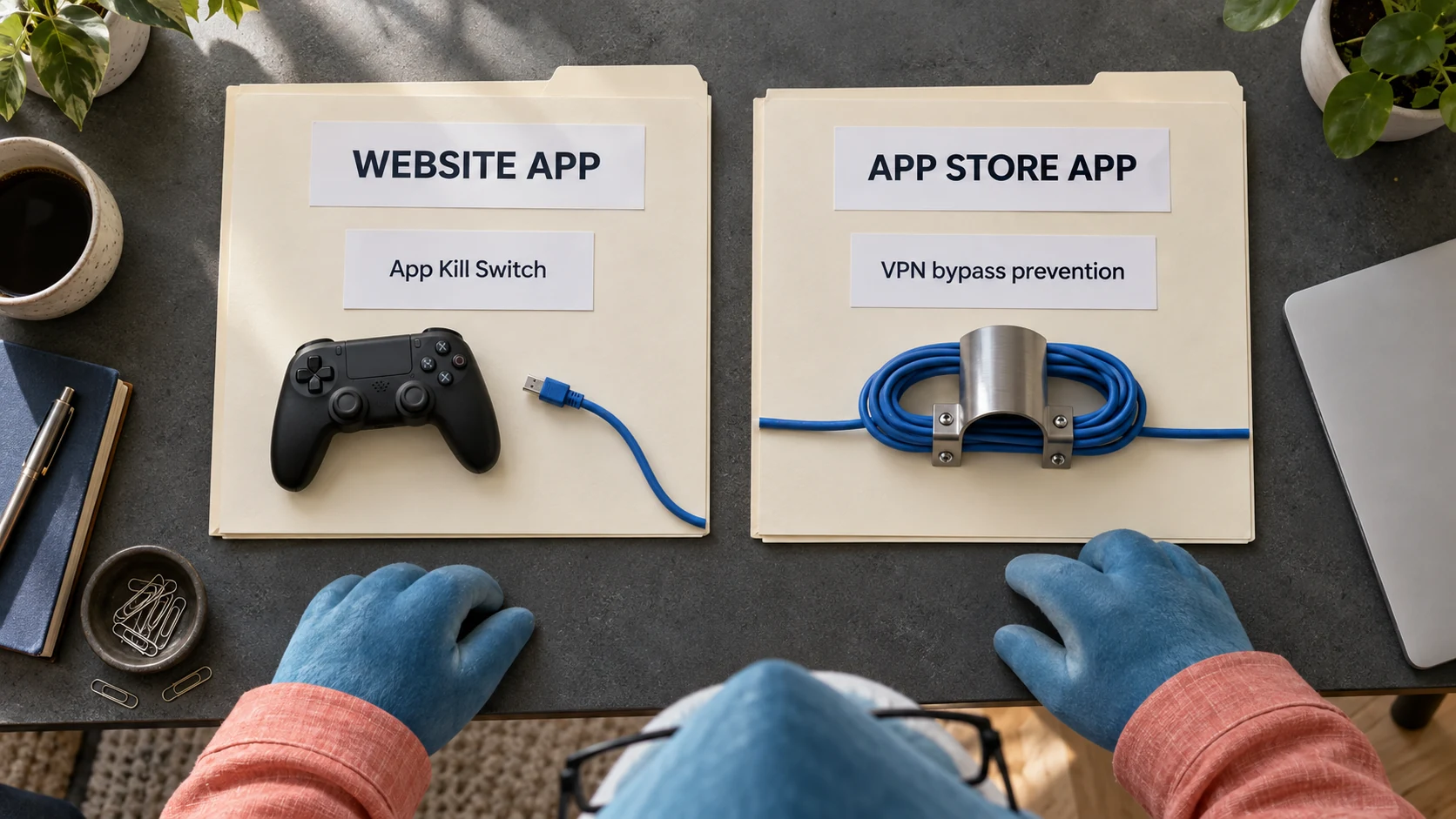
Check which app you installed. The website app and App Store app use different protection mechanisms; neither folder is a game-exclusion switch.
A five-step Mac session check
- Record the symptom, app source and supported macOS version.
- Check an ordinary webpage and the game’s own network indicator.
- Try one nearby endpoint or one protocol between sessions.
- Use the version-specific branch only if the symptom remains.
- Restore unwanted changes and save private diagnostics for support.
Your Mac connection notes
| Detail | Current setup | Observation | Setting to restore |
|---|---|---|---|
| Website or App Store app | Enter your own observation | Enter your own observation | Enter your own observation |
| macOS and app versions | Enter your own observation | Enter your own observation | Enter your own observation |
| Game region / VPN location / protocol | Enter your own observation | Enter your own observation | Enter your own observation |
| Sleep, reconnect time and exact error | Enter your own observation | Enter your own observation | Enter your own observation |
A worksheet for your Mac; no invented ping, frame rate or connection results.
Check the offer against your real VPN needs
Need VPN protection beyond this troubleshooting session? Use the recommendation link to check the current regional offer, first payment and renewal. Choose the Mac features you need; an upgrade does not buy guaranteed lower ping or higher FPS.
This link was checked from Taiwan. Your local offer and eligibility may differ. Read the first charge and renewal at your regional checkout; no extra exclusive discount or valid coupon code has been verified here.
The current 30-day money-back guarantee covers qualifying first subscriptions, not automatic renewal payments under that guarantee. Apple, Amazon and reseller purchases follow their relevant purchase-channel process. Check the actual terms before paying.
Compare the full introductory charge with the stated renewal period. A monthly equivalent is not necessarily a monthly payment, and a gift is not a deduction from the bill.
Mac gaming questions
Can I keep only a Mac game outside NordVPN?
The current Mac app does not offer per-game split tunneling. The Android exclusion list and a browser extension are different features.
Which Mac version should I choose?
Choose by the controls and installation method you need. Both use NordVPN servers; the app version itself is not a latency guarantee.
Why does the game lose connection when the VPN drops?
Inspect the app version and protection settings. App Kill Switch and VPN bypass prevention have different scopes.
Does a higher plan fix low FPS?
No plan upgrade diagnoses a rendering or connection problem. Separate the game’s frame-rate and network indicators first.
Should I reinstall or remove VPN profiles immediately?
Start with an update, a normal-page check and one endpoint or protocol. Configuration steps must match the actual app version.
Official sources and scope
Concept illustration: physical folders model App Kill Switch in the website app and VPN bypass prevention in the App Store app. Not an app screenshot or measured result.
- NordVPN macOS application versions: website vs App Store
- Installing NordVPN application on macOS
- Setting up NordVPN (App Store) version on macOS
- My internet is slow when using NordVPN on macOS
- I can’t connect to NordVPN on macOS
- NordVPN keeps disconnecting on macOS
- The NordVPN application is using too many system resources on macOS
- NordVPN Kill Switch: how does it work
- How to get connection logs on macOS
- I can’t launch the NordVPN app, or it crashes on macOS
- NordVPN: split tunneling platform availability
- NordVPN: latest English Mac app version comparison
- NordVPN: latest English Mac protection behavior
- NordVPN: current pricing
- NordVPN: Taiwan gift terms
- NordVPN: refund policy