
NordVPN and EA app connection problems: fix login and stuck downloads
EA app connection checklist | Official sources checked 16 October 2026
The browser works, Discord is talking, and EA app still insists you are offline. Before hopping through ten VPN countries, pin down where the failure starts. A login error, a download frozen at the same point and a laggy match need different fixes. Here is a practical order for a PC or Mac already using NordVPN.
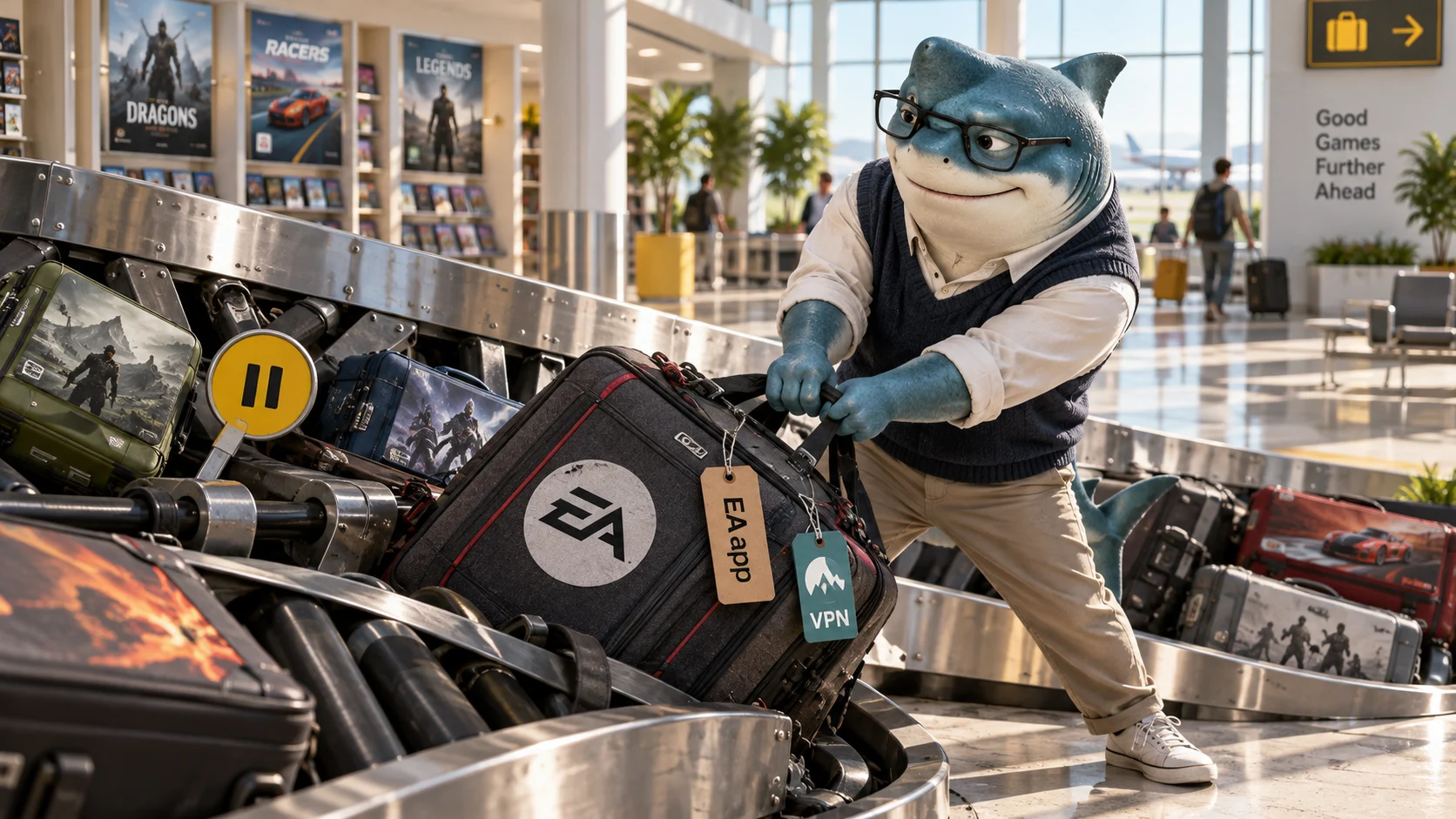
Start with the stage that actually fails
If the library never loads, do not begin with in-game ping settings. If a game downloads successfully but refuses to launch, a faster route will not automatically repair its files. Note the exact message, the device and whether the failure happens before or after signing in. That gives each test a clear purpose.
Check the current EA service status through EA Help and the status of the particular game. A working website does not prove the launcher service is healthy. During a confirmed interruption, keep the error and time, then wait for the service update instead of reinstalling everything. This guide does not claim a live outage is happening now.
Official reference: Official reference 2 · Official reference 5
Read the code before blaming the VPN
EA describes EC:10000 as an account-authentication problem: verify the correct account details and the official account-recovery route if necessary. EC:10500 can involve an authentication failure or service interruption. EC:10005 points toward a network problem. Those labels narrow the next check; they do not prove NordVPN caused it.
EC:10701 deserves special attention. EA links it to the app communication port and includes VPN/virtual-adapter checks in its dedicated instructions. Start with the restart and app checks there. Do not delete virtual adapters, open router ports or weaken system protections just because another player mentioned this code. Keep managed-work or virtual-machine networking intact and seek support for that setup.
Official reference: Official reference 2
Clear EA cache through the supported recovery tool
For a launcher stuck offline, an update waiting forever or a missing library item, use EA App Recovery rather than deleting random game folders. On Windows, open the EA menu, Help, App recovery, then Clear cache. If the app cannot open, find EA → App Recovery in the Start menu. On Mac, use Help → App Recovery from the menu bar. Labels can vary by interface language.
Let recovery finish, reopen the app and retry the same operation. EA says clearing cache can help launcher-state problems, but it cannot bring a down server back online. If the failure is unchanged, record that result and move on; repeatedly clearing cache makes the test longer without identifying a different cause.
Official reference: Official reference 1 · Official reference 4
A stuck download can be a disk problem
Separate downloading from installing or preparing. Record the status text and whether the amount transferred changes over several minutes. Check available space and the target drive. EA highlights downloads stuck at 4 GB on a FAT32 drive because that file system cannot handle a larger individual file. A different VPN country does not change a drive format.
On Mac, an external NTFS drive can be a write-access problem. Check its format and permissions before deciding the network is slow. If the game is installed but will not load, the Library tile menu offers Repair. Back up valuable saves before broader reinstall or drive work; this checklist does not ask you to format anything.
Official reference: Official reference 3
Test NordVPN after the basic launcher checks
Use a trusted connection where you are comfortable testing traffic outside the tunnel. Pause the download, fully close EA app, record the current NordVPN server and reconnect state, then establish a direct-connection baseline. Reopen EA app and repeat the exact failed step. Check the VPN app status rather than assuming a browser extension controls the desktop launcher.
Then close the launcher again, connect to one nearby NordVPN server and repeat under the same conditions. Keep the game, network and test action constant. If only one route fails repeatedly, that is useful information for support, not proof that every VPN endpoint is blocked. Extra distance and encryption can add overhead; an available route is not automatically a faster one.
Official reference: Official reference 6 · Official reference 7
Split tunneling needs a real verification step
On supported Windows NordVPN builds, app-based split tunneling can let selected trusted applications use the direct route while other traffic stays in the tunnel. Excluded traffic loses that VPN tunnel protection. Do not assume excluding the visible launcher also handles every helper, browser sign-in or game process: verify what actually works in your current version.
NordVPN documents a situation where an excluded app sees the ISP address while DNS still uses NordVPN servers, leading to connection trouble for some services. An exclusion is therefore a troubleshooting option, not a universal cure. The cited instructions do not establish the same app-based switch on Mac. Do not transplant Windows menu steps or random DNS settings to another platform.
Official reference: Official reference 8
Once downloads work, treat match lag as a new test
A healthy launcher tells you little about the route to an individual match server. For gameplay problems, stop the large download first, use Ethernet where practical and compare the same game region at a similar time. Track in-game latency, interruptions and any loss indicators separately from download throughput.
If the whole connection disappears when the VPN drops, check the current Kill Switch state in the NordVPN app: blocking internet can be its intended behavior. Do not permanently turn off that protection to make a launcher appear fixed. Restore your preferred protection after any controlled comparison, and use the separate game-specific guide for the next stage.
Official reference: Official reference 5 · Official reference 7
Know when to keep the evidence and stop changing things
If the same code survives cache recovery and both routes, prepare a short support note: EA app and OS versions, error code, time and timezone, drive location, affected stage and test outcome. Redact email addresses, account tokens and private network details before posting publicly. Account restrictions and a broken entitlement need EA support, not a new VPN subscription.
NordVPN makes sense when you also want an encrypted device connection and the supported privacy features. Buy it for that ongoing need, then assess compatibility with your own games. Do not buy a longer plan simply to recover a stuck EA queue. The strongest result here is a repeatable working setup, even if that means playing directly and using VPN protection for other tasks.
Official reference: Official reference 10 · Official reference 9 · Official reference 5
Match the symptom to the next useful check
| What you see | First check | What a VPN cannot establish |
|---|---|---|
| Login code | Exact code, account and EA service status | That the password or entitlement is valid |
| Waiting for download | App Recovery and the same download again | That cache or disk state is healthy |
| Always stuck at the same size | Target drive, format and write access | That a different country fixes storage |
| Only one route fails | Repeat direct versus one nearby endpoint | A universal VPN block or guaranteed cure |
| Match feels delayed | Stop downloads; compare in-game indicators | Lower ping from download speed alone |
Official Windows reference

Use the current Windows guide for app settings.
A five-step comparison you can repeat
- Write the error and failing stage, then check EA status.
- Try the relevant cache or file check once and record the outcome.
- On a trusted network, close and reopen EA app for a direct baseline.
- Repeat with one nearby NordVPN server; change no other variable.
- Restore preferred protection and keep the simpler working setup or send the evidence to support.
Your launcher troubleshooting notes
| Attempt | Connection / server | Exact result | Next action |
|---|---|---|---|
| Before recovery | Fill in | Fill in | Fill in |
| After cache recovery | Fill in | Fill in | Fill in |
| Direct route | Fill in | Fill in | Fill in |
| Nearby NordVPN route | Fill in | Fill in | Fill in |
Blank worksheet for your observations. No measurements or successful repairs are claimed by this article.
Check the offer against your real VPN needs
If you want NordVPN for everyday privacy as well as occasional game-route comparisons, check the plans below after you have identified the EA problem. Compare the full initial payment and the renewal, not just the monthly equivalent.
Current savings and regional gift eligibility could not be verified on this publication check. Compare the introductory total, the billing period and the renewal total at checkout. No exclusive code or extra link-only discount is confirmed.
The current 30-day money-back guarantee covers qualifying first subscriptions, not automatic renewal payments under that guarantee. Apple, Amazon and reseller purchases follow their relevant purchase-channel process. Check the actual terms before paying.
NordVPN and EA app questions
Does NordVPN fix EA app automatically?
No. A different route may change connectivity, but cannot repair credentials, an outage, missing permissions or a damaged file. Run the launcher checks first.
Will cache recovery fix EC:10500?
It is one EA-supported check. Authentication or a service interruption may remain, so keep the code and consult the current error guide rather than repeating recovery indefinitely.
Why does a download work but a match lag?
The download service and match server are different destinations. Throughput and in-game delay are separate observations; pause downloads before assessing a match.
Can I use the same split-tunnel steps on Mac?
Do not assume so. The cited app-based instructions cover Windows and other named platforms, and the current Mac app must be checked separately.
Should I change my account country to fix this?
No. Keep your legitimate account and purchase region. This troubleshooting process is not a way to bypass regional prices, account restrictions or service rules.
Official sources and scope
Official NordVPN Windows material; interface varies by version. Not an EA app screenshot or performance test.
- How to clear your cache to fix your game download or upload
- How to troubleshoot common EA app error codes
- Games that won’t download, install, or load in the EA app
- How to use the EA app
- Troubleshoot your connection to EA games
- NordVPN gaming VPN
- How to install and use the NordVPN app on Windows?
- What is Split Tunneling and how to use it with NordVPN?
- NordVPN on multiple devices
- What is your refund policy?
- NordVPN: pricing and checkout